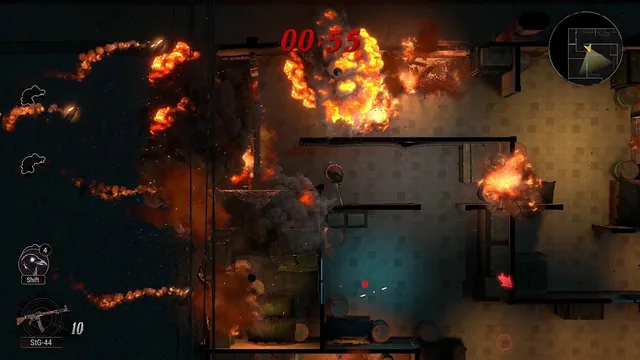
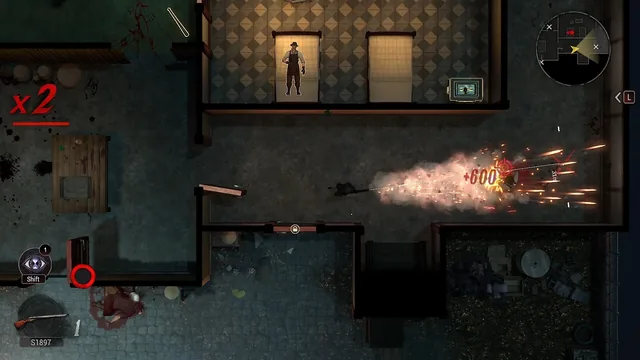
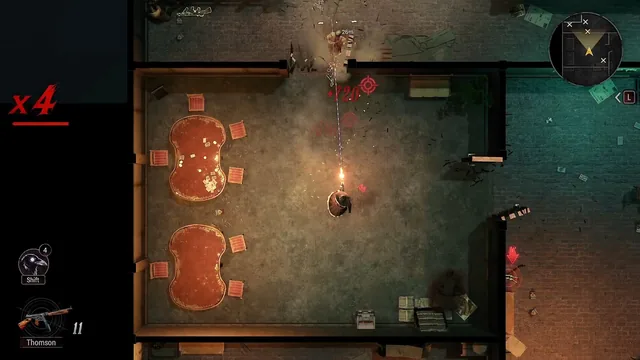
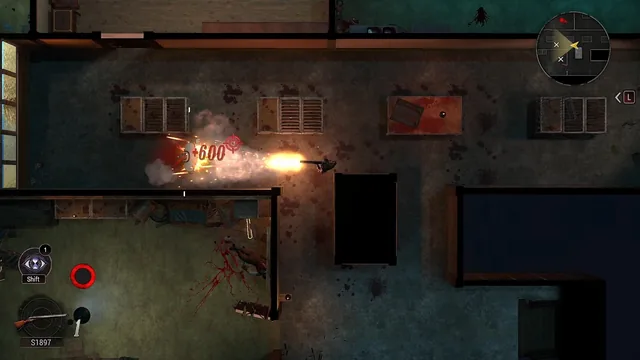
Cohen 1939 settings, controller and performance
Steam lists Partial Controller Support and Steam Cloud for Cohen 1939. The demo shipped without options screens or working controller input; a player who says they tried a release build reports Xbox pads working there.
Cohen 1939's options and hardware story is one of the loudest parts of its public history, because the demo shipped without the settings players expected. Here is what the store promises, what the demo actually did, and what to check in your first ten minutes with the full game.
Store promises vs the demo
| Feature | Steam store listing | The demo |
|---|---|---|
| Controller support | Partial Controller Support | Controllers did not work in the demo for most players |
| Steam Cloud | Listed | Yes — and a June patch had to wipe saves from the earlier playtest |
| Achievements | Steam Achievements | None in the demo |
| Single-player | Listed | Yes |
| Family Sharing | Listed | N/A for a demo |
"Partial Controller Support" is Steam's own wording and usually means the game is fully playable with mouse and keyboard and partially so with a pad. One forum reply, from a player who says they played a release build, reports Xbox controllers working there — read that as a rumour with a plausible source, not a guarantee.
What the demo was missing
- Zoom controls. Players asked for the camera to pull back; the demo's fixed view made some fights hard to read.
- A real options package. The demo's settings menu was minimal — controls, resolution and volume options were all requested repeatedly.
- Controller input. The most persistent thread topic in the demo era.
- Optimisation. Stutter around the gang's house and uneven framing during cutscenes were the most cited performance issues.
The studio was actively fixing demo issues (the June 17 patch lists dialogue, leaderboard and content fixes among others) right up until it announced the demo's removal — where it additionally cited remaining issues as the reason to pull it.
Your first ten minutes on launch day
- Open the settings menu before starting a run. Set resolution and display mode, and confirm audio levels here rather than mid-mission.
- If you plan to use a controller, test it immediately. Move in the first room, press every relevant button, and if the mapping feels wrong, check for a rebind menu before committing to a run.
- Let Steam finish a Cloud sync before you play. If you have any old local save data, sync conflicts are the classic way to lose a run.
- Frame the camera in the first safe area. If the full game adds zoom or camera options, find them now.
- Watch the first firefight for how feedback reads. The demo's hit feedback at screen edges and its damage numbers are part of the HUD language; the full game is expected to keep them.
Performance expectations
The store page lists a modest minimum: Windows 10 64-bit, a dual-core 2.4 GHz CPU, 8 GB RAM and a GTX 1060. A GTX 1060 minimum for a top-down game suggests the full release leans on lighting, shaders and effects rather than raw geometry.
FAQ
Does Cohen 1939 support controllers?
Steam labels it Partial Controller Support. The demo did not deliver working pad input; post-launch build reports will settle the question.
Does Cohen 1939 have Steam Cloud saves?
Yes — Steam Cloud is listed on the store page. Note that a June patch wiped saves from the pre-demo playtest because old cloud data blocked the newer build.
Will Cohen 1939 run on Steam Deck?
Nothing official yet. Check ProtonDB after launch for real reports rather than trusting a pre-release guess.